Training Video Production for Corporate Learning Programs
Most organizations have the knowledge their employees need. It lives in manuals, slide decks, recorded webinars, and the heads of experienced team members. The problem is getting that knowledge into a format that scales. Professional training video production turns scattered materials into a consistent, reusable corporate training program that works across locations, departments, and time zones.
Why Corporate Training Videos Matter Right Now
Course Crafters focuses exclusively on learning content - not marketing spots or brand videos. We produce corporate training videos for onboarding, compliance, leadership development, and role-specific skills, designed to educate employees and support measurable results.
Here's a pattern we see constantly: organizations started employee training videos in 2022 or 2023, recorded a few sessions, and then the project stalled. Scripts sat in shared drives. Subject matter experts got pulled into other priorities. The videos never made it into the LMS.
This guide is written for HR, L&D, and operations leaders who need to create training videos without becoming full-time producers or investing in expensive equipment. Visual learning methods outperform traditional text-based training, and 90% of Fortune 500 companies now use AI video platforms for training. The shift toward video is not optional anymore.
The sections below follow the full production process - pre production, production, and post production - with practical recommendations you can apply immediately.
From Static Content to a Corporate Training Video Strategy
Consider a company that relied on 40-page PDFs and PowerPoint decks through 2023. New hires received inconsistent onboarding depending on which manager was available. Safety procedures from 2021 were still circulating. Customer service standards varied by office.
That company shifted to a library of corporate training videos organized into series: "New Hire Orientation," "Manager Essentials," and "2026 Product Launch Training." The difference was immediate.
Common pain points that drive this shift include:
Inconsistent messaging across locations
Outdated policy explanations still in circulation
Training quality that depends on whichever manager is free that day
No audit trail showing who completed what
Videos condense large amounts of content for easier comprehension, and training videos can be updated without the delays of reprinting manuals or scheduling live sessions. The benefits are tangible: faster onboarding, lower re-training costs, better compliance audit trails, and easier scaling when hiring ramps up.
Course Crafters helps map existing materials - manuals, slide decks, SME notes - into a prioritized roadmap for employee training videos, rather than starting from a blank page.
Why Internal Training Projects Stall (and How Production Solves It)
Most internal corporate training video projects that started in 2023 or 2024 are still unfinished. The reason is rarely a lack of motivation. It's a lack of structure.
Concrete blockers include:
Subject matter experts canceling recording sessions because of competing priorities
No clear sign-off process on scripts (legal says one thing, HR says another)
Ad-hoc editing handled by someone in marketing "when they have time"
No defined owner for the whole process
Producing effective training videos involves planning, scripting, filming, and editing - and video production includes pre-production, production, and post-production stages. Without someone managing each phase, projects drift.
The risk is real: outdated or inconsistent training exposes organizations to compliance issues. Safety or data protection policies last updated before 2022 regulations changed can create legal liability.
A professional production partner provides structure - timelines, checklists, and a defined workflow that keeps projects moving even when internal stakeholders are busy. With Course Crafters, internal teams stay focused on running the business while a dedicated producer, instructional designer, and editor move the training video production forward.
Core Types of Corporate Training Videos (With Use Cases)
Format should be chosen for learning impact and clarity, not just what looks most visually impressive. Modern e-learning projects utilize various video types for engagement, and the right choice depends on your content, your target audience, and your budget.
Five common types of training videos include live footage, slideshows, and animation, along with screencasts and combined formats. Here's how each one works in practice:
Live-action instructor videos: Best for leadership messages, onboarding welcomes, and safety demonstrations. A CEO recording an annual culture message or a warehouse supervisor demonstrating proper equipment use.
Screencasts: Screencasts are used to demonstrate software features or processes. Ideal for Salesforce workflows, SAP navigation, or internal tools.
Animated videos: Custom animation is ideal for explaining complex concepts visually - code-of-conduct scenarios, data privacy workflows, or DEI training where filming real employees might feel uncomfortable.
Combined formats: Live footage can be combined with animation for engaging content. An SME introduces a topic on camera, then an animated segment walks through a process step-by-step.
Simple talking-head updates: Quick HR or policy reminders. Minimal production, maximum consistency.
B-roll footage adds interest and context to instructional videos - shots of the office, equipment, or team interactions that you can reuse across multiple videos. Audio podcasts are also a cost-effective alternative for delivering training content when video isn't necessary.
Plan a mixed library instead of relying on a single video format. Combine a 90-second animated overview with 5-minute how-to screencasts for a new software rollout, and you'll engage employees across different learning preferences.
Instructional Design: Turning Expertise Into Teachable Video Content
Instructional design is the discipline of translating domain expertise into structured, validated learning experiences. It matters because good visuals cannot compensate for unclear learning goals. Without defined outcomes, videos meander and fail to produce behavior change.
Course Crafters' instructional designers interview subject matter experts to extract tacit knowledge, then turn it into clear, step-by-step video lessons aligned with business objectives.
Training videos are more effective when structured around a single learning objective rather than trying to cover everything at once. Organizing video content into concise segments helps prevent cognitive overload - a principle rooted in cognitive load theory.
Evidence-based instructional approaches that make all the difference include:
Chunking: Breaking content into small, digestible modules
Scaffolding: Starting with basic information and adding complexity
Worked examples: Showing the correct process before asking learners to practice
Spaced practice: Reinforcing lessons over time through follow-up microvideos
Incorporating storytelling makes content more memorable and relatable, turning dry policy content into something employees actually remember. And videos should use visuals that complement the audio instead of merely repeating it - if the narrator says "click the green button," show the button rather than displaying text that reads "click the green button."
Instructional design planning in pre production reduces time wasted later in post production. Fewer reshoots, fewer script rewrites, fewer "can we re-explain that?" edits.
Pre Production: Planning Corporate Training Videos for Success
Pre production is where most of the important decisions happen. Scope, audience, video format, length, and assessment strategy are all determined before anyone picks up a camera. Pre-production involves defining business needs and outlining objectives that connect training to actual performance improvement.
Specific planning tasks include:
Defining your audience: new employees versus managers, remote versus in-office, their prior knowledge level
Finalizing learning objectives: tied to business KPIs like onboarding time, compliance audit success, or safety incident rates
Selecting locations: office, training room, factory floor, or remote recording setup
Locking in SME availability: scheduling recording sessions weeks in advance
A content map makes the difference between scattered videos and a coherent training program. For example, a "New Manager Essentials" series planned for Q1 2026 might include 8–10 short employee training videos covering goal-setting, feedback, performance management, compliance, and leading remote teams - instead of a single 45-minute recording that no one finishes.
Effective training videos should ideally be under 6 minutes long. Research consistently shows that effective training videos are typically 3 to 5 minutes long, which keeps the viewer's attention without overwhelming them.
Decide whether you'll use animated videos, live action, or a blend for each lesson, based on risk, subject sensitivity, and budget. Course Crafters uses detailed pre production checklists and timelines to keep corporate training video projects on track even when multiple departments are involved.
Scripting and Storyboarding: Giving Each Video a Clear Shape
A corporate training video script is not a marketing script. It must be clear, concise, and aligned with learning objectives - not just persuasive. A well-structured script prevents rambling and keeps content focused on what employees actually need to learn.
Scripts should be written in plain language that matches company policies and compliance language. If your 2024 code-of-conduct document uses specific terms, the script should use those exact terms. Using a conversational tone helps maintain audience engagement without sacrificing accuracy. Training videos should be coherent and well-structured, and videos should match the tone of the company culture.
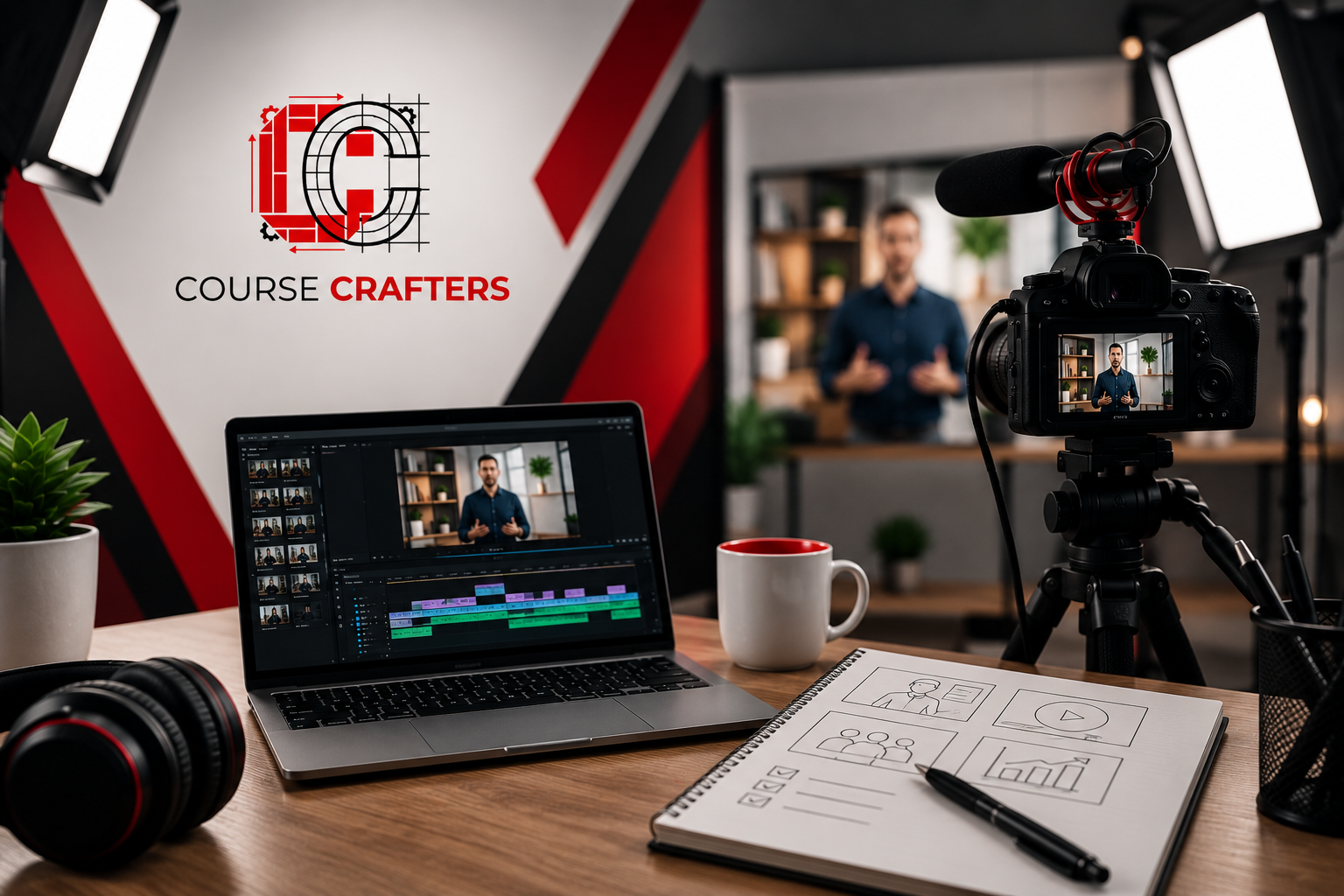
Storyboarding translates the script into scenes. For a safety training module, example frames might include:
Wide shot of warehouse floor
Close-up on protective gear being put on correctly
On-screen checklist graphic showing required steps
Split-screen showing correct vs. incorrect procedure
Storyboards don't need to be elaborate artwork. Simple sketches or annotated slides are enough to align stakeholders and prevent surprises during filming.
The most important step: having HR, legal, and operations approve scripts and storyboards in pre production. This shortens post production review cycles and avoids expensive reshoots. When key questions are answered before the camera rolls, the entire process runs more smoothly.
Production Day: Capturing Clear, Professional Training Footage
On production day, the team arrives, sets up equipment, runs sound checks, and rehearses with SMEs before recording begins. Capturing high-quality video and audio can be achieved with proper lighting and equipment setup - it's more about preparation than gear cost.
Practical elements that matter more than one camera costing thousands of dollars:
Consistent lighting: Avoid harsh shadows and maintain even color temperature
Clean audio: Clear audio quality is more critical than high-definition video quality. A lapel microphone and quiet room matter more than a 4K sensor.
Readable on-screen materials: Screens, props, and documents must be legible on camera
Steady framing: Clean backgrounds, consistent composition
Course Crafters plans shot lists in advance so there's time to record core content, intro/outro clips, and B-roll that will be useful across multiple corporate training videos.
Making SMEs comfortable on camera is part of the production team's job. Practical steps include briefing them with question prompts, using a teleprompter when needed, and allowing multiple takes for complex topics like regulatory updates. The ultimate goal is capturing the expert's knowledge clearly - not producing a Hollywood film.
While 4K cameras and studio lights are used when appropriate, many effective training videos can be captured in-office using a modest kit. Focus budget where it most affects learning impact: sound design, clear visuals, and structured delivery.
Post Production: Editing, Graphics, and Accessibility
Post production is where raw footage becomes polished employee training videos ready for the LMS or company intranet. Editing should aim to remove unnecessary content and enhance clarity - every second should earn its place.
Concrete editing tasks include:
Trimming pauses, digressions, and repeated takes
Adding lower-thirds with names and titles
Inserting callouts, step numbers, and highlighted areas
Aligning B-roll with narration for visual variety
Ensuring video editing maintains pacing that keeps the viewer's attention
Editing can significantly affect production costs and timelines. Changing scripts during post production or requesting new graphics mid-edit extends deadlines and increases cost. This is why locking content in pre production matters.
They often include engaging graphics to aid knowledge retention - motion graphics and simple animation that highlight key steps, procedures, or decision trees. For example, an animated overlay showing a correct vs. incorrect process walkthroughs makes abstract procedures concrete.
Closed captions improve accessibility and benefit viewers in diverse environments - open offices, factory floors, or non-native English speakers. Professional captions, transcripts, and optional subtitles (English and Spanish, for example) support multinational teams.
Quality assurance reviews ensure the final product meets initial requirements before the final video goes live. It's also best practice to include a call to action at the end of training videos, directing learners to the next module, a quiz, or a resource page.
Course Crafters prepares files in LMS-ready formats (SCORM/xAPI wrappers if needed), optimized for both desktop and mobile viewing across common corporate platforms. Every piece of digital content is delivered with naming conventions and thumbnail guidelines for consistent publishing.
Animated Training Videos: When and Why to Use Them
Animated videos are especially powerful for complex, abstract, or sensitive topics where live action might be less clear or might make employees uncomfortable.
Specific corporate examples where animation works well:
Explaining a new 2025 data privacy workflow with flowcharts and decision trees
Visualizing an internal supply chain from raw materials to delivery
Illustrating inclusive behavior in DEI training without filming actual employees in potentially sensitive scenarios
Animated videos explain complex concepts better than text, and visual learning outperforms other training methods for engagement. Simple motion-graphic explainers (icons, text, diagrams) cost less and produce faster than fully character-based animated scenarios with custom illustrations. Both have a place, but the choice affects budget and timeline.
Course Crafters blends animation and live footage when appropriate. An SME talks on screen while a short animated segment explains a process step-by-step - giving learners both the human connection and the visual clarity. This media production approach creates effective corporate training videos that teach and engage employees simultaneously.
Working With Subject Matter Experts Without Burning Them Out
Your organization's subject matter expert already has a full-time role. Doctors, engineers, managers, and compliance officers cannot spend months learning video production on top of their day jobs.
Course Crafters' approach minimizes the time experts spend on logistics:
Structured interviews: We extract knowledge through guided conversations, not open-ended brainstorms
Guided recording sessions: SMEs receive question prompts and coaching before cameras roll
Clear approval checkpoints: Review specific deliverables at defined milestones, not endless back-and-forth
A practical example: turning a 60-minute live webinar delivered in May 2024 into a series of 6–8 focused training videos, each with a specific learning objective and quiz. The existing video content becomes raw material, not a finished product.
For context on scale, companies like NextThought have produced over 5,000 videos for various clients - demonstrating that high-volume training content production is achievable when the process is disciplined.
Recommended steps for your team:
Appoint a single internal coordinator who owns communication
Agree on review deadlines upfront
Batch feedback so SMEs don't review the same segment multiple times
Subject matter experts should focus on accuracy and clarity of content. Production teams handle camera angles, lighting, video editing, and graphics. That division of labor is what makes the whole process sustainable.
Ready to elevate your corporate training with professional video production? Contact Course Crafters by Masterly today to discuss your project, get a free consultation, and start building a scalable training video library that drives real business results.
Website: https://www.thecoursecrafters.com/
Phone: (404) 726-7261
Let Course Crafters handle the production so your team can focus on what they do best—leading your organization to success. Reach out now and transform your employee training experience!
